24.7. Completing a Survey
When an auditor launches a custom audit they are presented with the survey start screen. The survey displays the audit title, a brief description, and summary information including the number of sections, questions, and the estimated completion time.
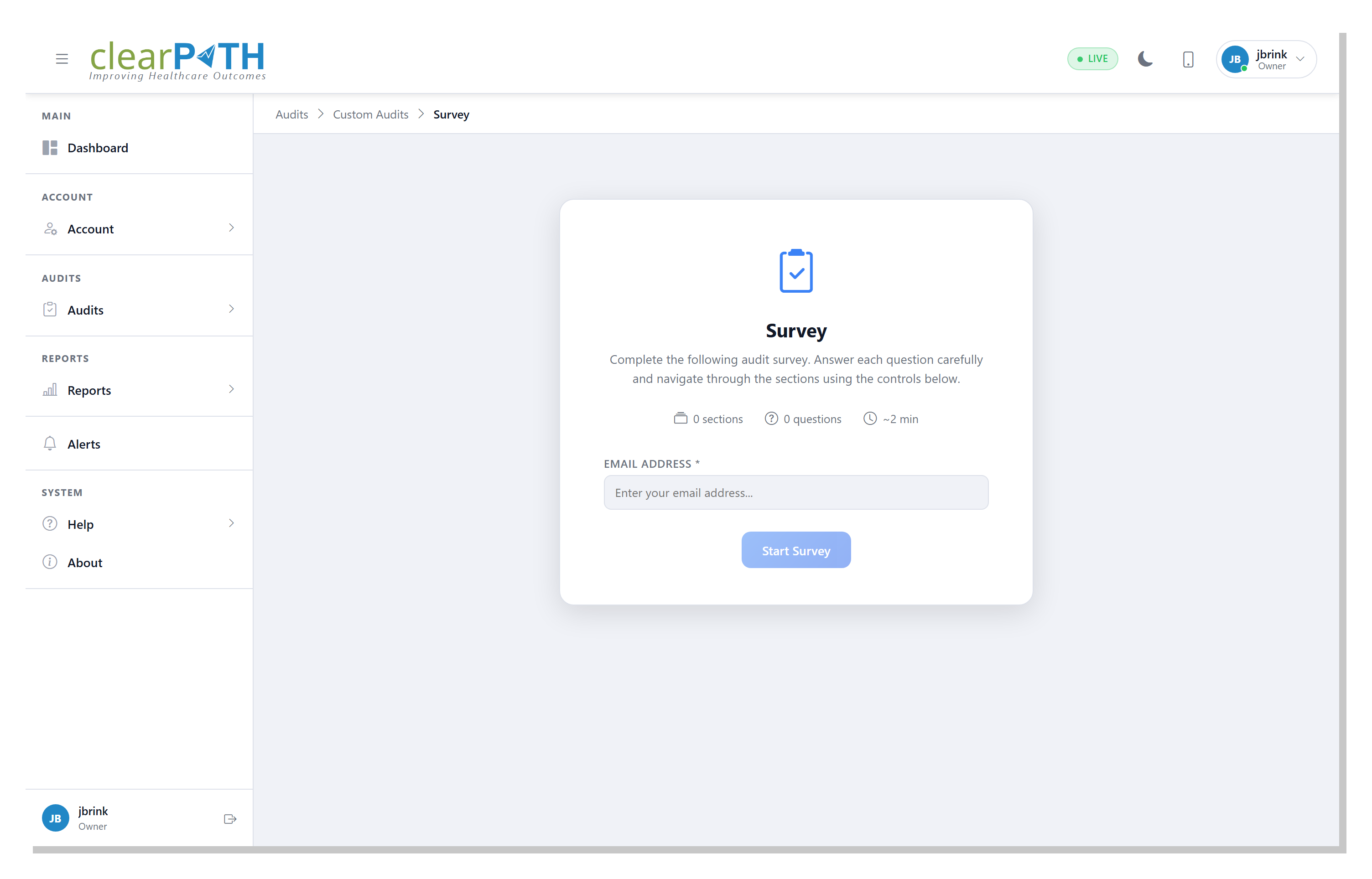
Before starting the survey the auditor must complete the following fields:
Field |
Description |
|---|---|
Facility / Unit |
Select the facility or unit where the audit is being conducted. |
Room Number |
Optionally enter the room number. |
Observer |
Select the observer conducting the audit. |
Click the Start Survey button to begin the audit.
24.7.1. One Time Survey Link
clearPath supports generating one-time survey links that can be shared with external participants. The link provides access to a standalone version of the survey without requiring a clearPath login.
Warning
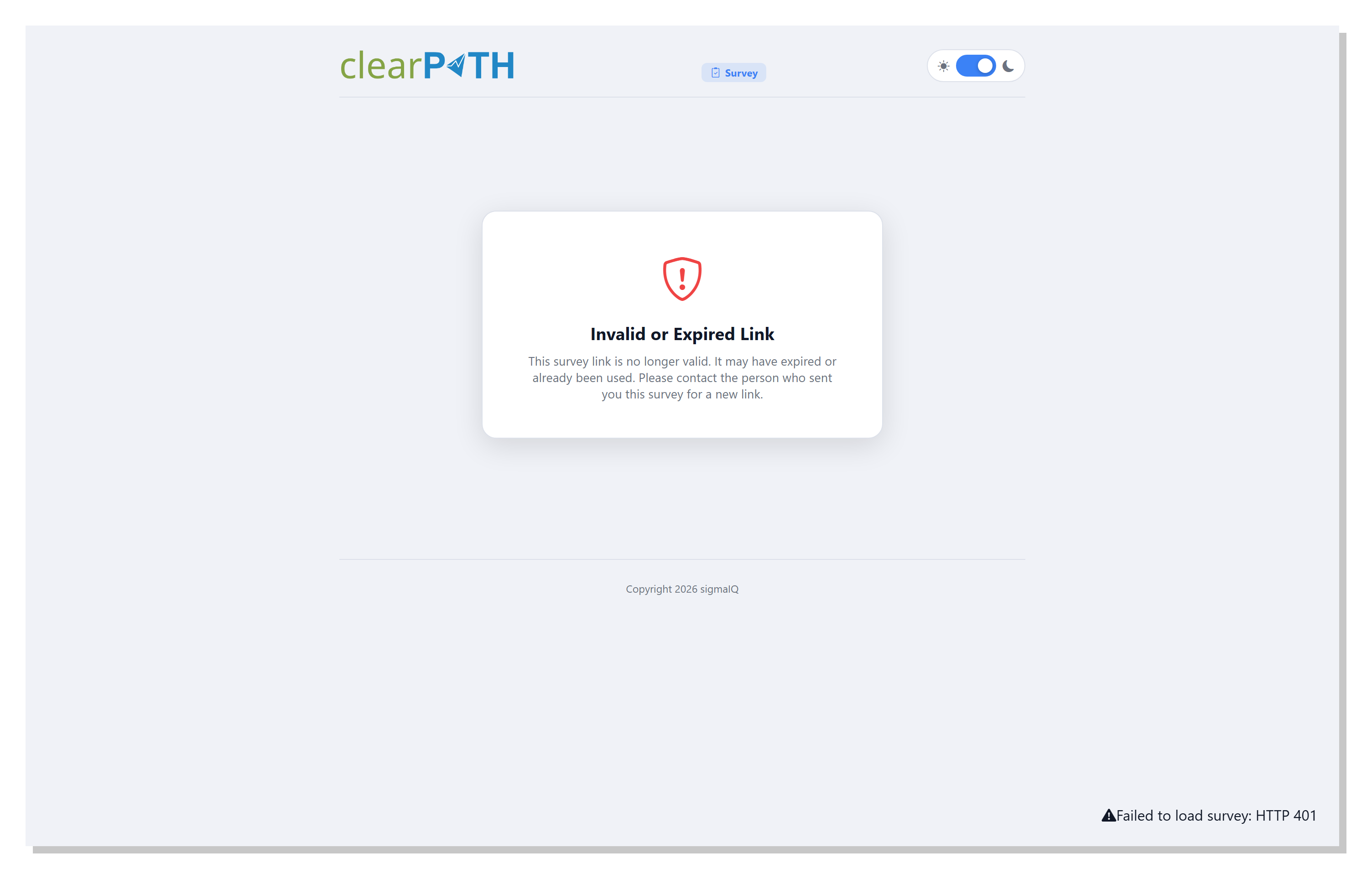
One-time survey links expire after use. If a recipient attempts to access an expired or already-used link they will see an Invalid or Expired Link message. Contact the person who sent the survey to request a new link.