24.2. Question Pool
The Question Pool is a shared library of reusable questions that can be used across multiple custom audits. To access the Question Pool navigate to Custom Audits | Question Pool.
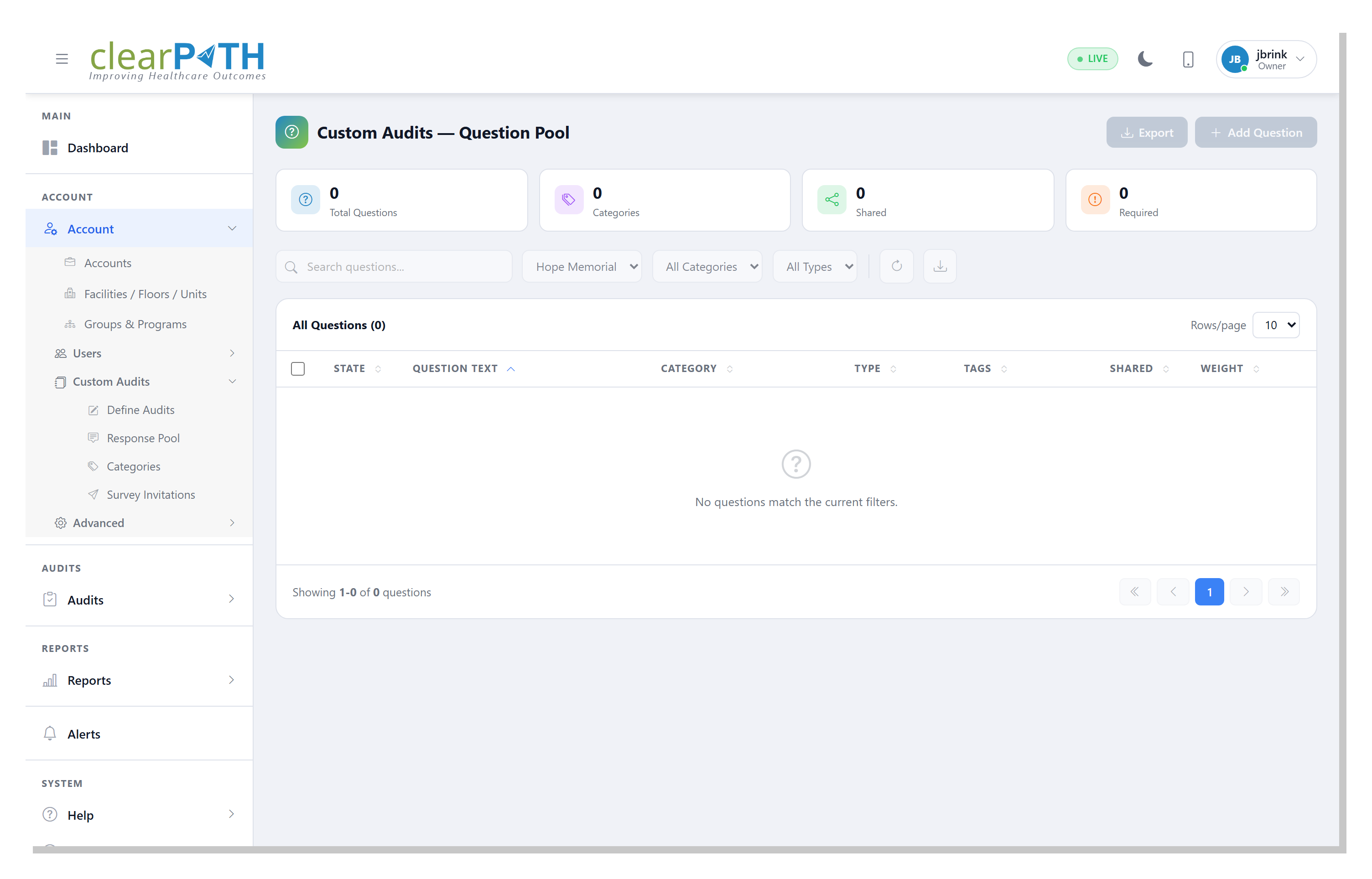
Summary cards at the top of the screen display the total number of questions, the number of categories, the number of shared questions, and the number of required questions.
Use the search bar and filter dropdowns to locate questions by category or type.
24.2.1. Adding a Question
To add a new question to the pool click the + Add Question button. Each question in the pool has the following attributes:
Field |
Description |
|---|---|
Question Text |
The text of the question as it will appear during the audit. |
Category |
The category the question belongs to (e.g. Hand Hygiene, PPE Compliance, Environmental Safety). |
Type |
The response type for the question: Yes/No, Multiple Choice, Scale, or Text. |
Tags |
Keywords associated with the question for search and filtering. |
Shared |
Indicates whether the question is shared across multiple audits. |
Weight |
The scoring weight assigned to the question. |
24.2.2. Exporting Questions
Click the Export button to export the question pool for backup or sharing purposes.