25.1.7. Points Ledger
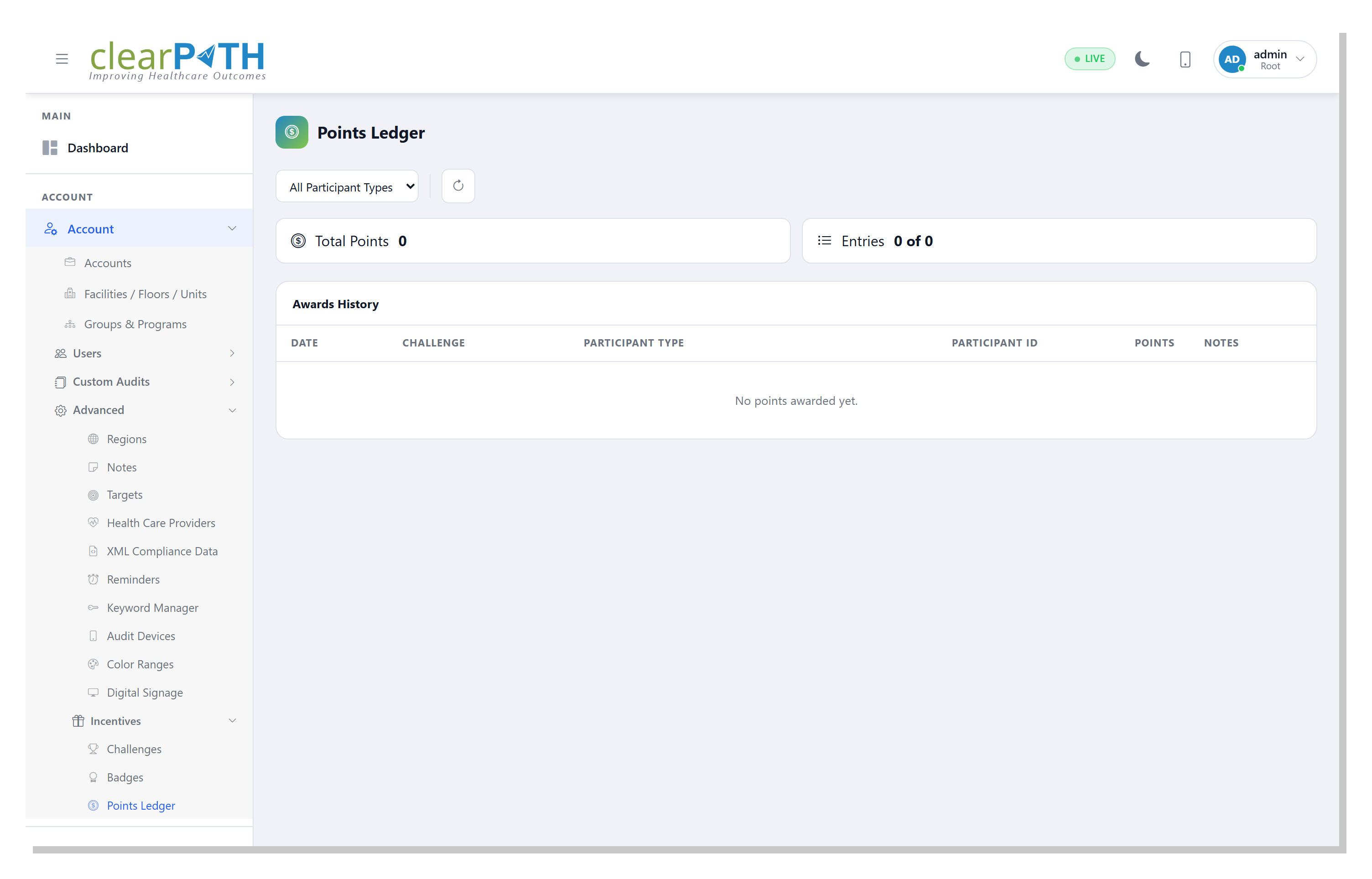
The Points Ledger is clearPath’s permanent record of every point transaction in the system. Each row is an atomic, immutable event – the current balance for any participant is simply the sum of their ledger rows.
25.1.7.1. Opening the page
Left menu: Challenges ▸ Points Ledger.
25.1.7.2. Reading the table
Each row represents one point transaction:
Column |
Meaning |
|---|---|
Date |
When the transaction was recorded. |
Challenge |
The challenge that awarded the points, or blank for manual adjustments / redemptions. |
Participant Type / ID |
Who received (or spent) the points: 0 = Facility, 1 = Unit, 2 = Auditor, 3 = HCP Type, 4 = Team. |
Points |
Signed integer. Positive = earned or adjusted up, negative = redeemed, expired, or adjusted down. |
Notes |
Free-text comment. For close-driven grants this is the challenge name. For redemptions it’s whatever the admin typed at redemption time. |

25.1.7.3. Reasons
The reason column distinguishes four kinds of transaction:
Code |
Name |
When it’s used |
|---|---|---|
|
Earned |
Written on challenge close for every winner. Always positive. Unique per (challenge, participant). |
|
Redeemed |
Written when an administrator spends a participant’s points via the redemption endpoint. Always negative. |
|
Expired |
Written when a points-expiry policy ages out old points. Always negative. |
|
Adjusted |
Manual correction by an administrator. Can be positive or negative (e.g. to restore points that were redeemed in error, or to deduct for a rules violation). |
25.1.7.4. Pagination and filtering
Participant type dropdown filters to a single type.
Table is paginated. Use Load More at the bottom to append more rows. The header shows
N of Mso you always know when you’re looking at a truncated view.The Total Points chip shows the sum of all points for the current filter, not just the visible rows.
25.1.7.5. Redeeming points
An administrator can spend a participant’s balance via POST /challenges/points/spend:
POST /challenges/points/spend?participanttype=2&participantid=42&points=25¬es=$25+gift+card
The server enforces:
pointsmust be positive (the server stores it as negative).reasondefaults to 1 (Redeemed); pass&reason=2to expire or&reason=3to adjust.The participant’s current balance must be ≥ the requested amount. A lower balance returns HTTP 409 with the current balance in the error message.
A successful response returns {"success":true,"newbalance":<n>}.
25.1.7.6. Auditing balance history
To see the full history for one participant, use the Participant Profile page. It shows the lifetime earned, lifetime spent, current balance, all badges, active challenges, and the 20 most recent ledger rows on a single screen.