25.1.12. Dashboard Widgets
The clearPath dashboard ships with four widgets dedicated to the Challenges module. Add them from the Widget Picker under the Challenges category.
25.1.12.1. Active Challenges
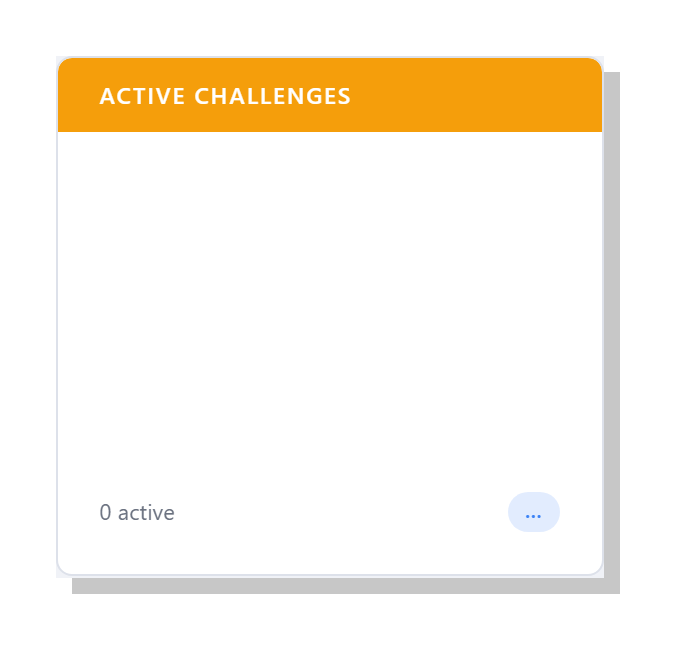
Shows the currently active challenges, sorted by nearest end date. For each challenge the widget displays:
Challenge name
Days remaining until end date
Participant count
Useful as a morale board in a breakroom or a manager’s home page.
25.1.12.2. Challenge Leaderboard
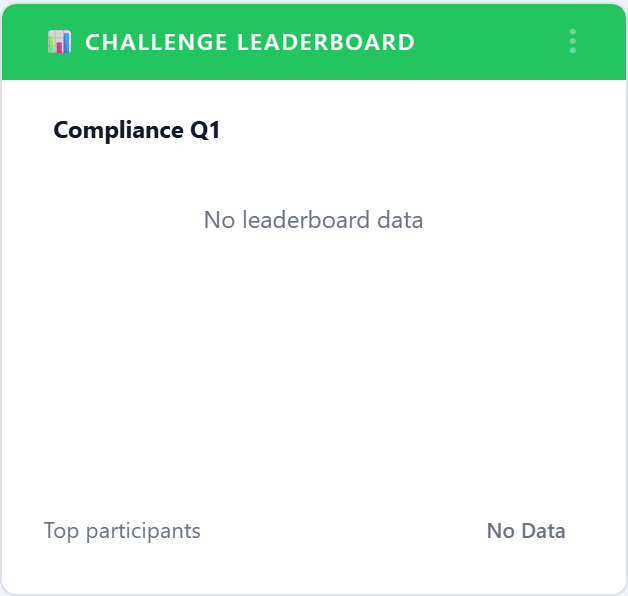
Focuses on the single challenge whose end date is closest. Shows the top N participants by metric value, with a progress bar showing how close each is to the threshold.
The title of the widget automatically updates to the name of the featured challenge. If no challenges are active, the widget shows an empty state.
25.1.12.3. Points Leaders
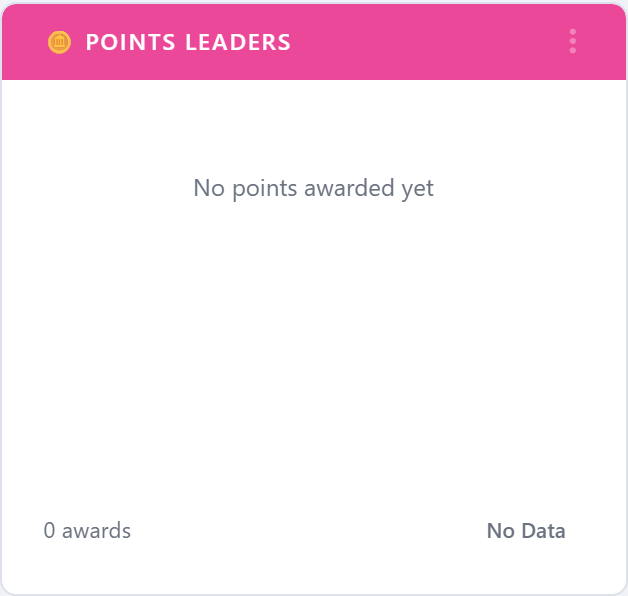
All-time ranking by lifetime SUM(points). Good for recognition campaigns that reward
sustained performance rather than any one challenge.
Filters:
Participant type – restrict to facilities, units, auditors, HCP types, or teams.
Limit – show top N (default 10).
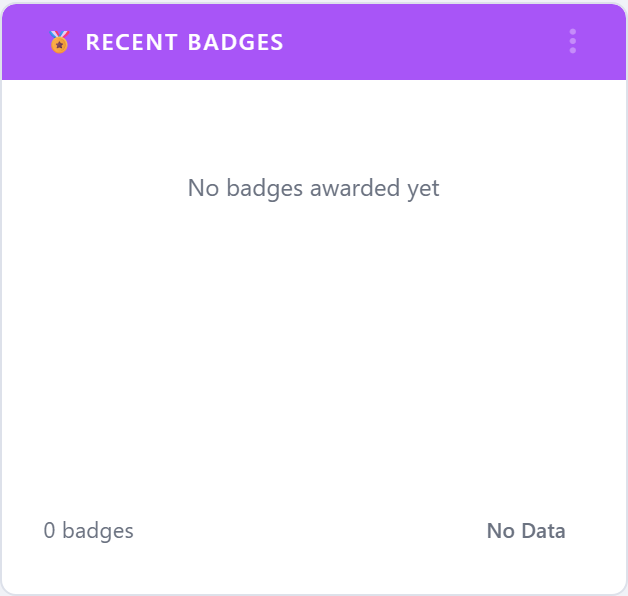
25.1.12.4. Recent Badges
Stream of the most recent badge grants across the corporation. Each row shows the badge icon, the participant name, and the challenge the badge came from.
This widget is particularly nice to project on a large screen in a common area.
25.1.12.5. Drilling down
Every participant name across every widget is a link that opens Participant Profile for that participant, making it easy to go from “someone is hot this month” to “here is exactly what they’ve earned”.
25.1.12.6. Colour and tier
Badges render with the colour stored on the badge record. Tier information (Bronze / Silver / Gold / Platinum) is surfaced on the participant profile rather than in the widgets to keep the dashboard density manageable.